Dashboard
Connect a language model, create your first agent, and connect it to Slack or Discord.
After the server boots, the install script needs up to ten minutes to finish. It installs Dalmatian, sets up HTTPS, and starts the dashboard. Once it's done, the dashboard is reachable at https://<your-ip>.sslip.io.
Open the dashboard
In any browser, go to https://<your-ip>.sslip.io. Replace <your-ip> with your server's public IPv4 (we'll use 1.2.3.4 as a stand-in here). If the page doesn't load yet, the install script is still running; wait a couple of minutes and try again.
What is sslip.io? A free DNS service that maps any IP to a real hostname, so the dashboard gets a valid HTTPS certificate without you owning a domain or copying SSH keys. You can swap in your own domain later.
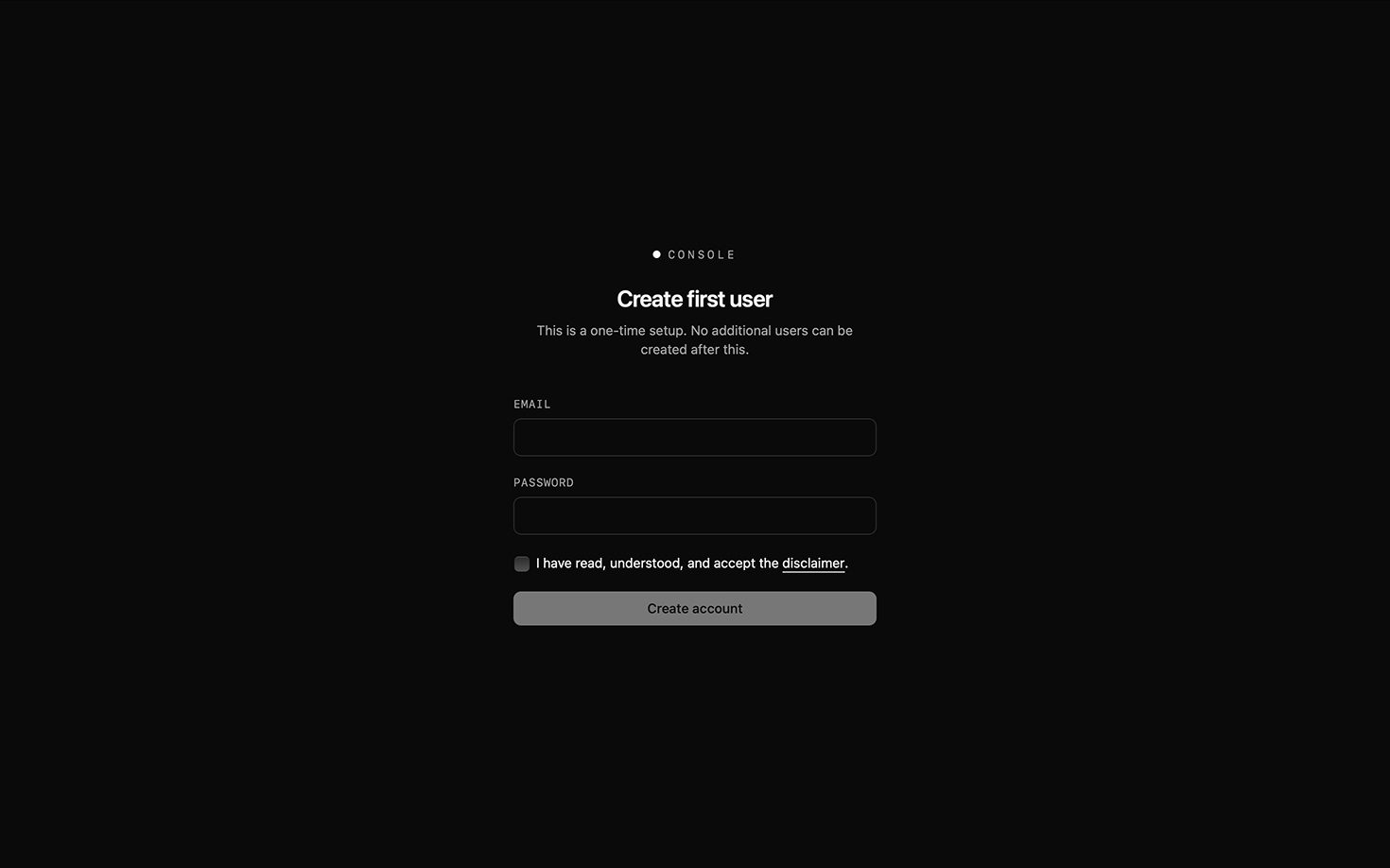
Step 02 — AccountCreate your first user
This is the only account that can be created from the open web. Dalmatian locks down after this; any additional users are invited from inside the dashboard.
Enter an email and password, accept the disclaimer, then click Create account. You're now signed in.
The dashboard takes it from here
Once you're signed in, the dashboard guides you through the rest of setup: connecting a language model, creating your first agent, and connecting it to Slack or Discord. Each screen explains what it needs and what to do next, so just follow the prompts as they appear.
When your agent is connected to a chat app, mention it with a task. It will ask clarifying questions, run the work, and report back in the thread.